Let’s be honest for a second—PowerPoint presentations are boring.
I don’t care how well-designed your slides are… at some point, everyone zones out. I’ve sat through enough presentations (and made a few myself) to know that even when the content is good, the delivery just doesn’t hit.
That’s where FlexClip’s new AI PPT to Video tool comes in—and honestly, this might be one of the most practical AI tools I’ve used in a while.
👉 You can check it out here: FlexClip AI PPT to Video Tool
First Impressions: This Is What PowerPoint Should’ve Been
The idea is simple:
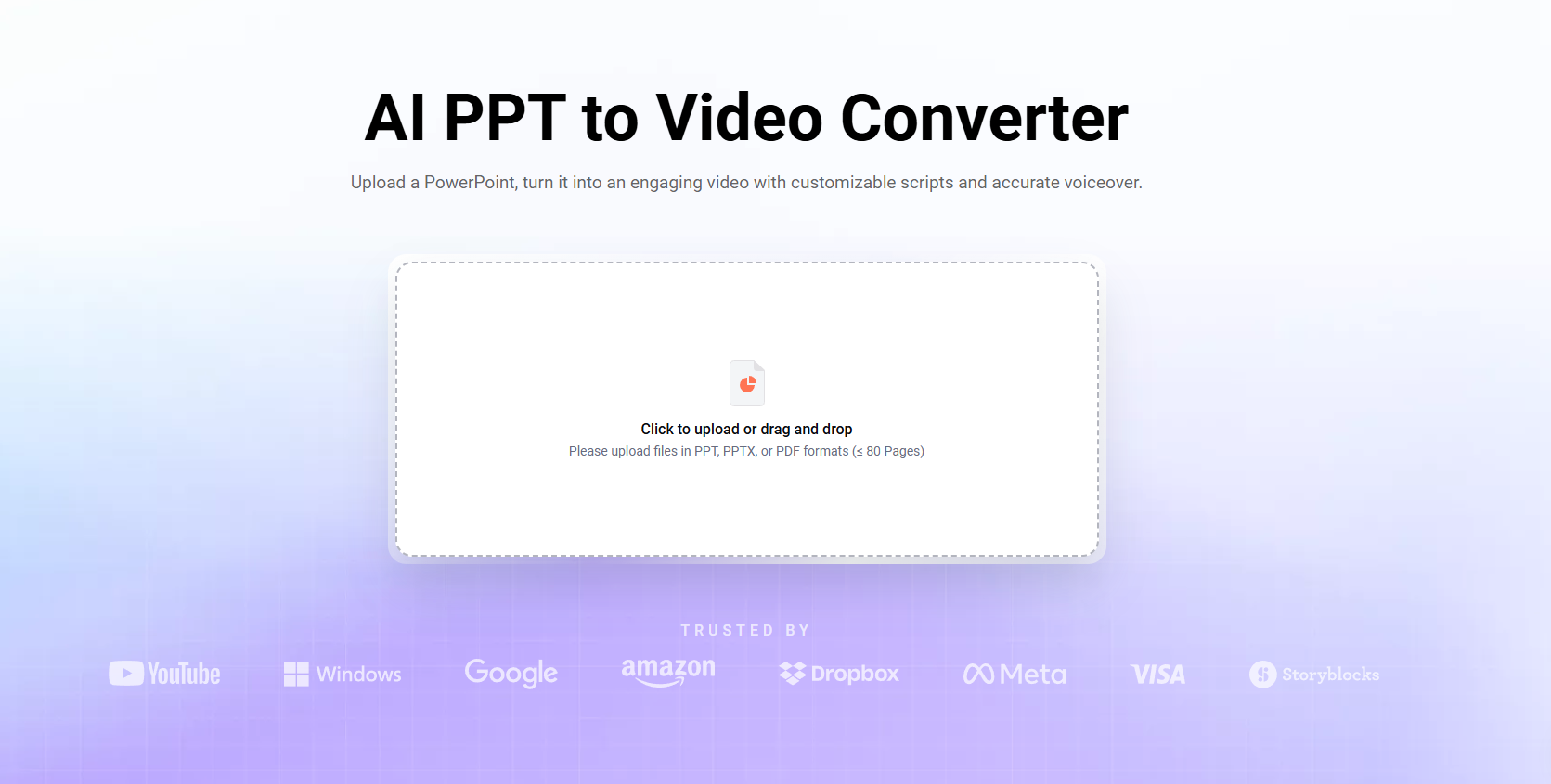
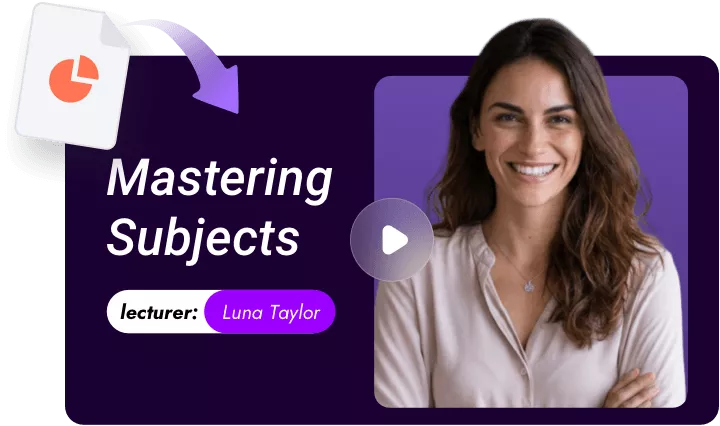
Upload your PowerPoint… and FlexClip turns it into a full video—complete with script, voiceover, and transitions.
Sounds like something that should take hours, right?
It doesn’t.
FlexClip tool analyzed the slides, generate a script, and convert everything into a polished video in seconds
The first time I used it, I uploaded an old presentation I had sitting on my computer—one I honestly forgot about—and within a minute, I had something that looked like a YouTube explainer video.
That’s when it clicked:
This isn’t just a “nice feature”… it’s a time-saver that changes how you approach content.
What the AI Actually Does (And Why It’s Impressive)
📝 1. Automatic Script Generation
One of the biggest struggles with turning slides into video is figuring out what to say.
FlexClip solves that by analyzing your slides and generating a full narration script automatically
And it doesn’t just repeat your bullet points—it expands them into something that actually sounds like a person explaining the topic.
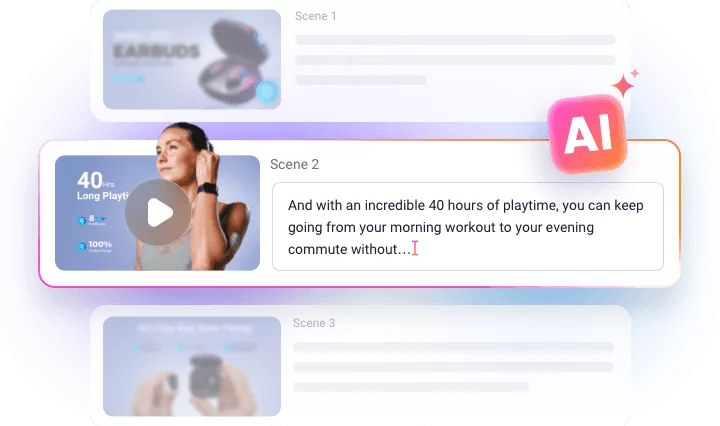
I tested this with a basic product presentation, and the script it generated was surprisingly solid. Not perfect, but easily editable and way better than starting from scratch.
2. Built-In Voiceover (No Mic Needed)
Once the script is generated, FlexClip gives you access to realistic text-to-speech voices with adjustable tone, speed, and style
That means:
- No recording equipment
- No retakes
- No awkward pauses
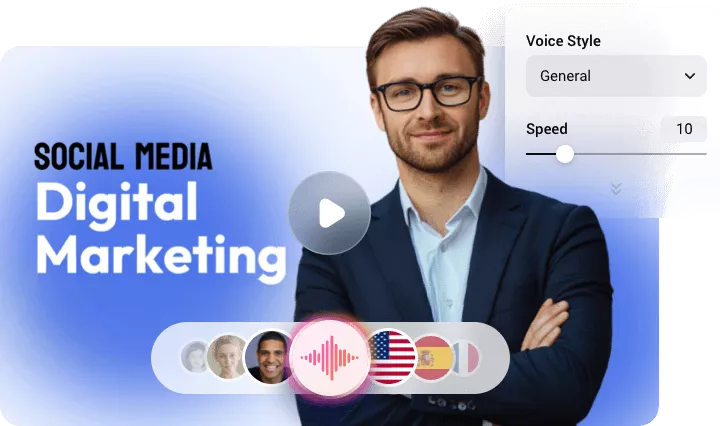
Just pick a voice, hit generate, and you’re done.
As someone who’s recorded voiceovers before (and hated hearing my own voice playback), this was a huge win.
3. Instant Video Creation
Here’s the part that impressed me the most:
FlexClip turns each slide into a high-quality video scene with transitions automatically added
No dragging clips.
No timeline headaches.
No editing fatigue.
It basically removes the most time-consuming part of video production.
4. Speed Is the Real Game-Changer
FlexClip emphasizes efficiency, claiming videos can be created in under 20 seconds with a good connection
And from my experience? That’s not far off.
It feels like skipping from “idea” straight to “finished video” without the messy middle.
Who This Is Perfect For
This tool isn’t just for one type of user—it’s surprisingly versatile.
👨🏫 Educators
Turn lesson slides into videos for online learning or homework support.
💼 Sales & Marketing Teams
Transform product decks into shareable videos for clients and social media.
🧑💼 Internal Teams
Use it for onboarding, training, or company updates.
🎥 Content Creators
Convert ideas into YouTube or TikTok-ready content without heavy editing.
FlexClip even highlights these exact use cases—helping users “publish faster and stay consistent without heavy edits”
FlexClip Is Getting Smarter (And It Shows)
One thing worth calling out: this isn’t just a one-off feature.
FlexClip’s AI video tools have been seriously upgraded recently, now incorporating advanced models like:
- Seedance
- Google Veo 3.1
- Kling 3.0
- Hailuo AI
- Nano Banana Pro
These upgrades make video creation smarter, faster, and more accurate, especially when it comes to:
- understanding context
- generating scripts
- matching visuals to content
You can feel the difference compared to older tools that just “stitch things together.”
Personal Take: Why I Actually Like This Tool
I’ve used a lot of video editors—some advanced, some beginner-friendly—and FlexClip has always leaned toward simplicity.
But this feature? It’s a step beyond.
It reminds me of when Canva first added AI design tools—suddenly, things that used to take effort became effortless.
The biggest takeaway for me:
This tool doesn’t just save time—it removes friction.
And if you’re creating content regularly, that matters more than anything.
Final Verdict
FlexClip’s AI PPT to Video tool is one of those features that makes you rethink how you create content.
It’s fast.
It’s practical.
And it actually solves a real problem.
Is it perfect? No.
Is it useful? Absolutely.
If you’ve ever:
- dreaded turning slides into videos
- needed quick content
- or wanted to scale video creation
This is 100% worth trying.
[penci_review id=”11019″]